
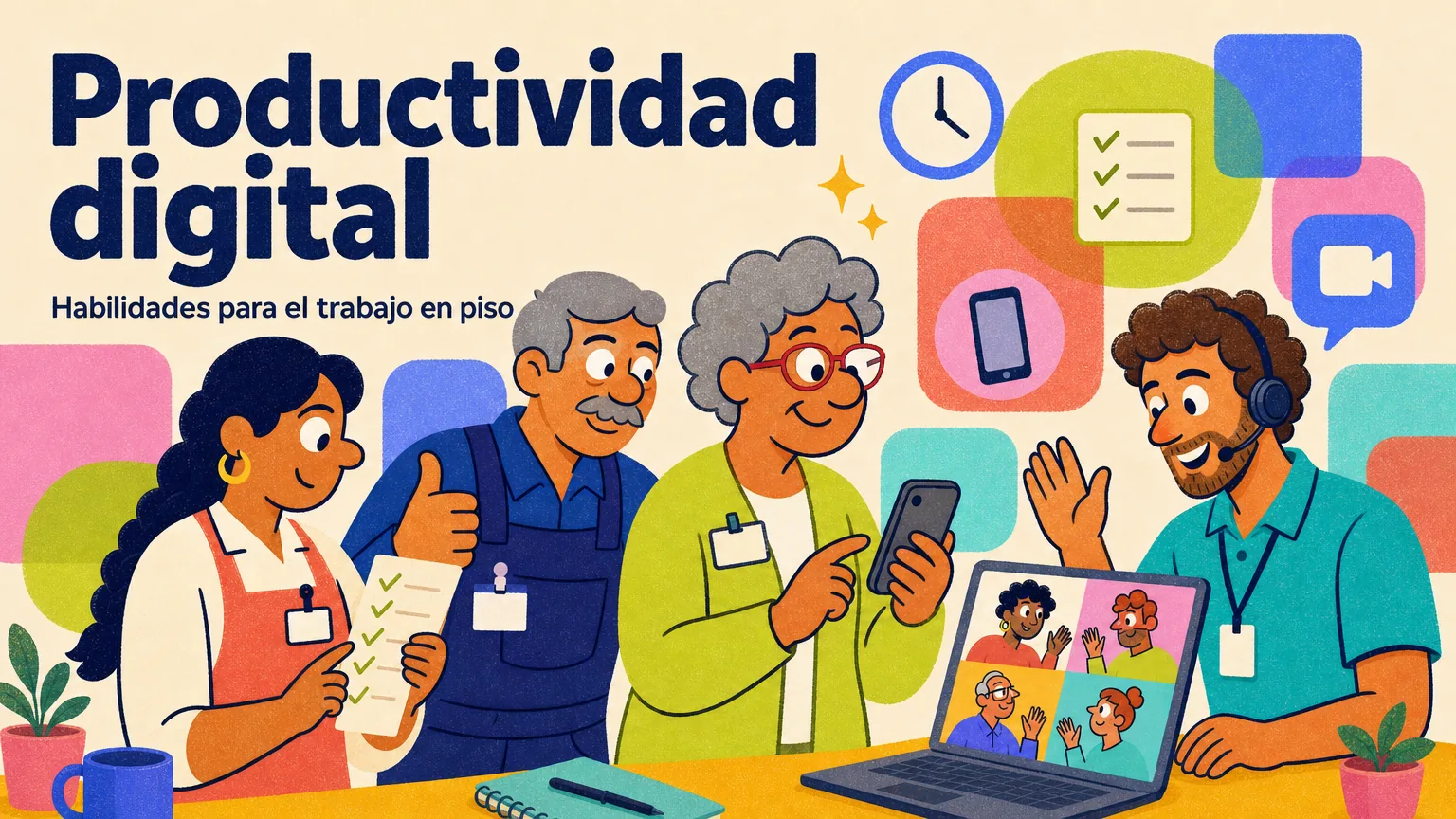
Digital Productivity: skills for deskless work is a practical, interactive course for people who work away from a desk: in stores, warehouses, plants or on the road. Across four short modules, teams learn to organize shifts, adopt new technology, use phones confidently and safely, and communicate clearly from a distance.
Each module takes about 17 minutes and combines five short narrated topics, interactive activities, a branching decision case and a final assessment. Doris, Fabio, Gloria and Mateo face everyday situations so learners can apply what they learn on their next shift.
The full course takes around 70 minutes and includes 24 interactive activities, four decision cases and four final assessments. It works on phones, tablets and computers with nothing to install. The learning experience and narration are in Latin American Spanish.
Course path
 117 min
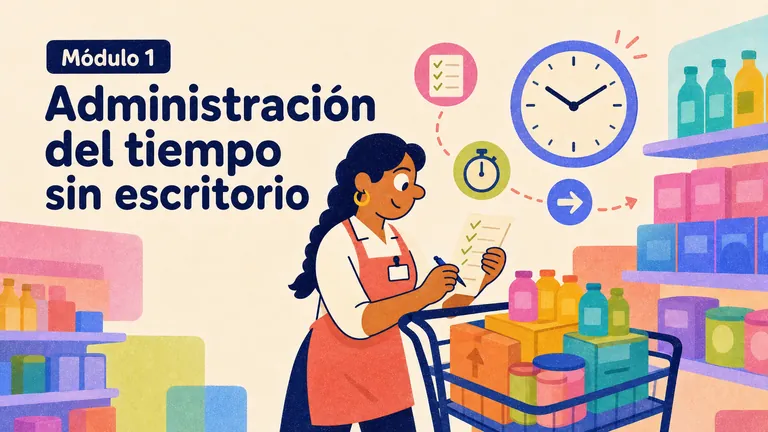
Module 1 · Time management without a desk
Organize time and priorities when your work is on the floor, in the warehouse or in a store. Join Doris on a day full of orders and build her shift hour by hour. About 17 minutes · 6 activities.
- Identify where time goes: tasks, movement, waiting, interruptions and surprises.
- Prioritize safety, blockers, today's deadlines, planned work and what can wait.
- Plan a shift in five minutes: review assignments, prepare supplies and group tasks.
- Catch time thieves: searching, back-and-forth trips, interruptions and rework.
- Close the shift without loose ends and hand over pending work.
 217 min
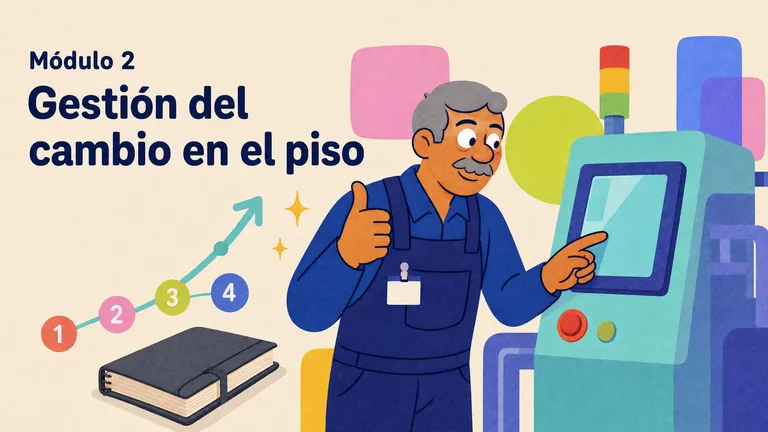
Module 2 · Change management on the floor
Adapt to new processes, machines and technology without losing your calm. Join Fabio during his first week with a new tablet and help him move through the change curve. About 17 minutes · 6 activities.
- Understand why things change: new machines, processes, apps, products or rules.
- Recognize the stages of change: surprise, resistance, exploration and adoption.
- Ask questions, request practice and learn from people who already know the new way.
- Use the full new method and report any failures with data.
- Lead change from your role: share, help and suggest improvements.
 317 min
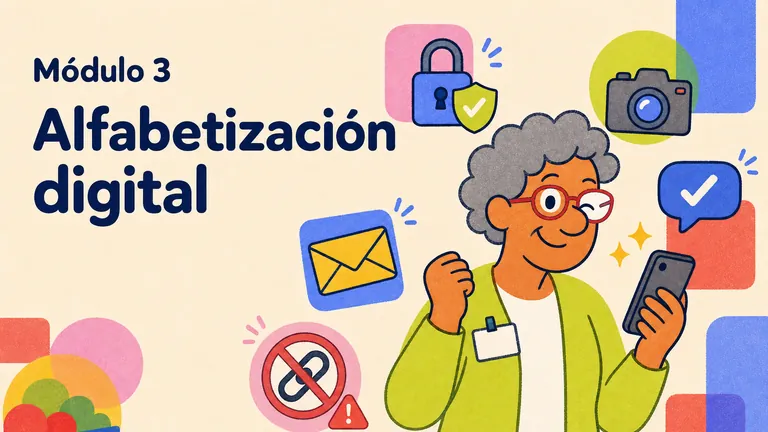
Module 3 · Digital literacy
Use phones and essential workplace digital tools with confidence and security. Join Gloria on a day full of digital traps and build a password that is hard to guess. About 17 minutes · 6 activities.
- Master phone basics: home screen, icons, settings, back button, battery and data.
- Know what each tool is for: team chat, email, company portal, camera and forms.
- Send a clear evidence photo to the right channel.
- Create strong passwords and lock your phone screen.
- Spot scams: fake prizes, strange links, urgency and requests for codes.
 Unlock17 min · Locked
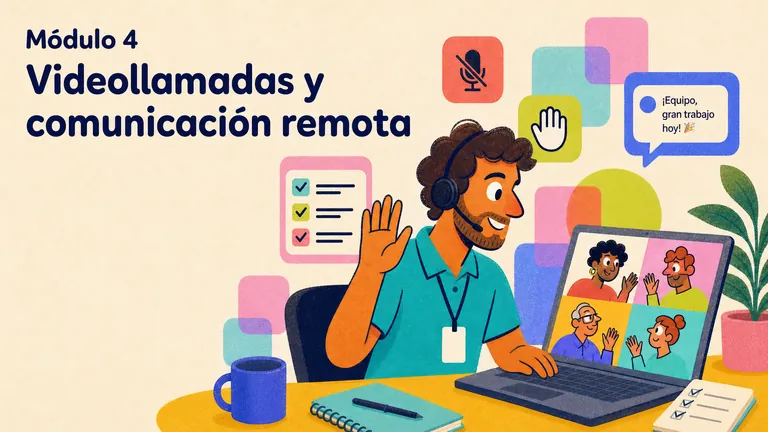
Module 4 · Video calls and remote communication
What you'll learn
- Identify where shift time goes and prioritize safety, work blocking others and today's deadlines.
- Plan a shift in five minutes and reduce time lost to searching, back-and-forth trips, interruptions and rework.
- Understand process changes, recognize resistance and adopt new tools without falling back on shortcuts.
- Use workplace phones and apps confidently: chat, email, camera, forms and the company portal.
- Create strong passwords and recognize digital scams, fake prizes, suspicious links and requests for codes.
- Prepare for video calls, participate in an orderly way and write clear, concise messages.
- Close shifts and meetings with recorded pending work, clear agreements and a written summary.
Benefits for your company
- More productive shifts, with fewer trips, delays and rework, and clear priorities from the start.
- Faster adoption of new technology, with employees using complete systems and reporting failures with data.
- Lower digital risk as teams protect passwords and spot scams before sharing codes or company data.
- Clearer remote communication through shorter meetings, understandable messages and lasting agreements.
- Smoother shift handovers with pending work recorded and delivered to the next person.
- Training that fits into a shift: 17-minute mobile modules without taking people away for hours.
- Digital inclusion through simple, practical language for every age and level of technology experience.
Who is this course for?
Deskless employees in retail, warehouses, manufacturing, logistics and operations, plus the leaders who support them. No previous technology experience is required. Course narration and activities are in Spanish.
Frequently asked questions
Who is this course for?
Deskless employees in stores, warehouses, plants, logistics and operations, and the leaders who support them.
Do learners need technology experience?
No. It starts with the basics, uses simple language and explains every topic with narration and everyday examples.
How long does it take?
Each module takes about 17 minutes; the full course takes around 70 minutes.
Must modules be completed in order?
The sequence is recommended, but every module is independent and can be completed separately.
Which devices are supported?
Phones, tablets and computers with an internet connection. There is nothing to install; learners open the module link.
What does each module include?
Five short topics, interactive activities, a branching decision case, a mini-game or simulator and a final assessment.
How does assessment work?
Each module ends with six questions. Learners can review any missed question before finishing.
Can learners pause and resume?
Yes. Narration can be paused at any time and learners can progress at their own pace.
What happens after each module?
Each employee chooses a practical commitment to apply during the following week.
Want courses like this for your organization?
We build custom courses for you or transform your long, outdated learning content into interactive experiences.